5 Ways Small Businesses Handle After-Hours Calls (Compared)
35-40% of customer calls come after hours. Here are 5 ways small businesses handle them — with honest pros, cons, and costs for each option.
VoiceAnswers Team
AI phone answering specialists for small businesses
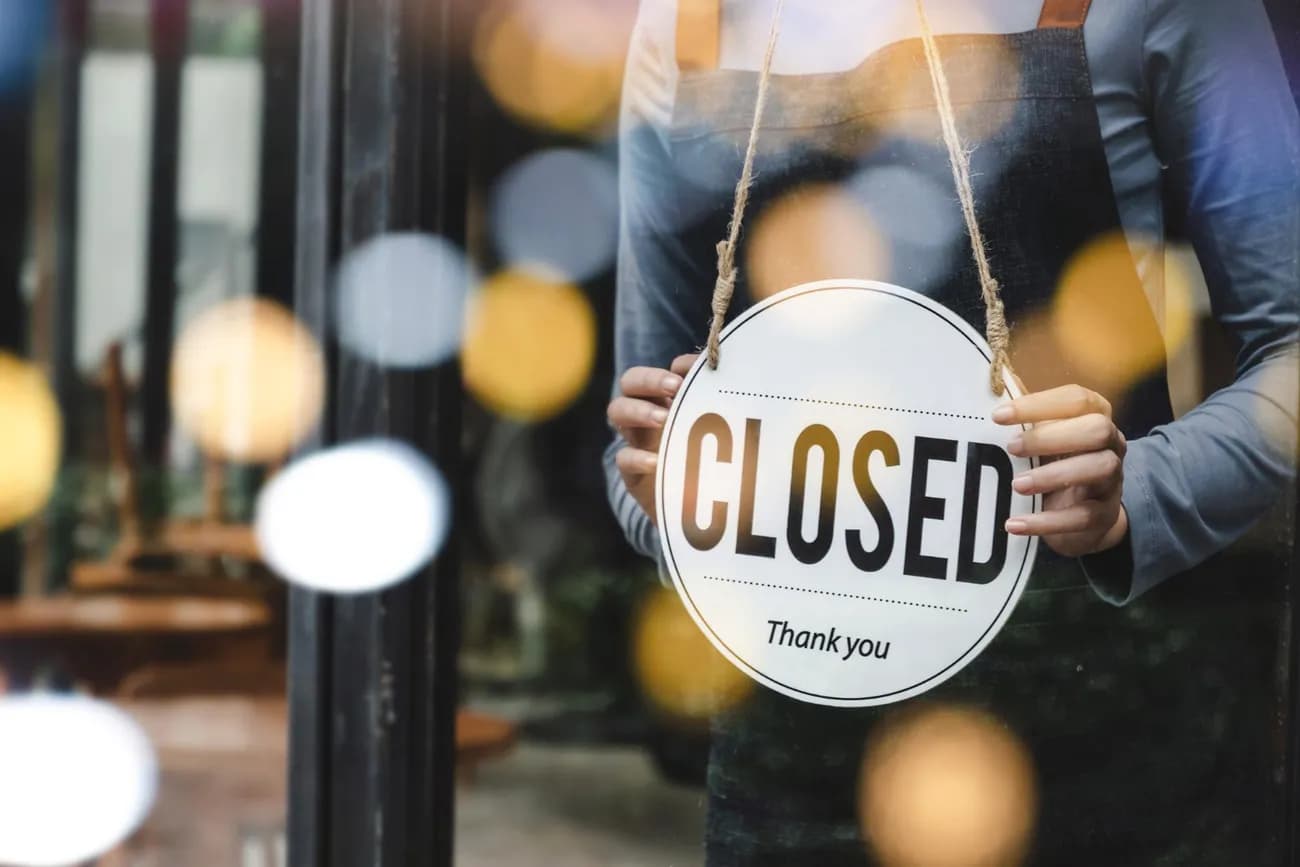
Between 35% and 40% of calls to small businesses happen outside of 9-to-5 hours. That's evenings, weekends, lunch breaks, and holidays — times when most businesses have nobody answering the phone. For a company that gets 100 calls a week, that's 35-40 callers reaching voicemail, a personal cell phone, or dead air.
The problem isn't just volume. After-hours callers tend to have higher intent. A homeowner calling a plumber at 9 PM has a burst pipe. A potential client calling a law firm on Saturday just got served papers. These aren't casual inquiries — they're people ready to hire whoever picks up first.
There are five common ways small businesses deal with this. Each one has real trade-offs, and the right choice depends on your call volume, industry, and budget.
What Are the Five Options for After-Hours Call Handling?
The five approaches are: voicemail, call forwarding to a personal cell, a human answering service, AI phone answering, and ignoring calls until the next business day. Here's how they compare on the factors that matter most.
| Option | Monthly Cost | Handles Calls 24/7 | Can Book/Take Orders | Caller Experience |
|---|---|---|---|---|
| Voicemail | Free | Records messages only | No | Poor — 80% hang up |
| Call forwarding to cell | Free | Only when you answer | Yes, but inconsistent | Varies widely |
| Human answering service | $200-$900 | Yes | Takes messages only | Professional but limited |
| AI phone answering | $99-$399 | Yes | Yes | Consistent, instant |
| Ignore until morning | Free | No | No | Terrible — caller gone |
That table gives you the overview. The details below explain why each option works the way it does — and where it breaks down.
Does Voicemail Actually Work for After-Hours Calls?
Voicemail captures about 20% of after-hours callers. The other 80% hang up without leaving a message.
That stat comes up in nearly every call-tracking study, and it's consistent across industries. The 411 Locals study of 85 businesses across 58 industries found that 37.8% of all inbound calls ended up in voicemail — and most of those messages never converted to business because the callback came too late.
The math is simple. If you get 40 after-hours calls per week and 80% won't leave a voicemail, you're collecting 8 messages. The other 32 callers are gone. Among those 8 who do leave a message, you're calling them back the next morning — by which point many have already hired someone else.
Voicemail works when:
- Your callers are patient and not in a hurry (rare for service businesses)
- You return every message within 30 minutes of opening (hard to do consistently)
- The call doesn't require a real-time conversation (appointment booking, order taking, emergency triage)
Voicemail fails when:
- Callers have urgent needs (plumbing emergencies, legal deadlines, sick pets)
- Callers are comparison-shopping and will call the next business on the list
- The call requires back-and-forth (menu questions, insurance verification, service details)
Cost: Free. What you actually get: A recording of 20% of your missed opportunities.
What Happens When You Forward Calls to Your Personal Cell?
Call forwarding to a personal phone means you answer after-hours calls yourself. It's free and gives callers a real person — but it comes at a cost that doesn't show up on any invoice.
Many small business owners start here. You forward your business line to your cell and answer calls during dinner, on weekends, and at your kid's soccer game. The caller gets a live person, which is better than voicemail. But the quality of that interaction depends entirely on when and where you pick up.
A plumber answering a call while driving to a family dinner can't look up their schedule. A salon owner taking a booking request at 10 PM might forget to write it down. A veterinary clinic owner fielding an emergency call at midnight is making triage decisions while half asleep.
The bigger issue is sustainability. Research on small business owners consistently shows that the inability to disconnect from work is a leading contributor to burnout. Forwarding business calls to your personal phone guarantees you never fully disconnect.
Pros:
- Free
- Callers get a real person
- You can handle complex or sensitive calls personally
Cons:
- You're on call 24/7 with no backup
- Call quality depends on your availability and state of mind
- No record of the call in your business systems
- Blurs the line between work and personal life permanently
- Doesn't scale — you can only answer one call at a time
Cost: $0 in dollars. Significant in quality of life.
How Much Do Human Answering Services Cost — and What Can They Actually Do?
Human answering services charge $200-$500/month as a base fee, plus $0.75-$2.00 per minute of operator time. For a business handling 200 minutes of after-hours calls per month, the total runs $350-$900.
These services employ live operators who answer your phone with your business name. They sound professional and callers generally have a good experience. The limitation is what the operators can actually do.
Most answering services take messages. The operator writes down the caller's name, number, and reason for calling, then sends you a text or email. They don't have access to your schedule, your menu, your service list, or your pricing. They can't book an appointment, take a food order, or answer "do you accept my insurance?"
For some businesses, message-taking is enough. If your after-hours calls are mostly "please have someone call me back," a human answering service handles that well. But if callers need something done — an appointment booked, an order placed, a question answered — the operator can only promise a callback.
The per-minute pricing also adds up faster than most owners expect. A 3-minute call at $1.50/minute costs $4.50. Fifty after-hours calls per month at that rate is $225 in per-minute charges alone, on top of the base fee. VoiceAnswers pricing starts at $99/month for 200 minutes with no base fee on top — and the AI actually handles the call rather than taking a message.
Pros:
- Professional, human voice
- 24/7 coverage with no effort from you
- Good for simple message-taking
Cons:
- Can't book appointments, take orders, or answer business-specific questions
- Per-minute billing makes costs unpredictable
- Operators don't know your business — they read from a basic script
- Callers still need a callback for anything beyond leaving a message
Can AI Phone Answering Handle After-Hours Calls as Well as a Person?
For routine calls — appointment booking, order taking, FAQ answers, and lead capture — AI handles them as well as or better than a person, with the advantage of instant pickup and 24/7 availability.
An AI system that answers your business phone picks up on the first ring, knows your business details (hours, services, pricing, availability), and has a natural conversation with the caller. It doesn't take a message and promise a callback. It handles the request.
A caller to a dental office at 8 PM can book a cleaning appointment. A caller to a restaurant at 11 PM can place a takeout order for tomorrow. A caller to an HVAC company at 2 AM with no heat gets safety guidance and an emergency dispatch notification sent to the on-call technician.
Where AI falls short is the same territory covered in our comparison of AI vs. hiring a receptionist: high-empathy calls where a distressed caller needs emotional support, complex multi-party conversations, and situations requiring real-time judgment calls that go beyond the business's configured rules.
For after-hours calls specifically, AI has a structural advantage. The calls that come in at 9 PM or on a Sunday tend to be straightforward: "Can I book an appointment?" "What are your hours?" "I have an emergency — what should I do?" These are exactly the call types AI handles best.
Setup takes about 10 minutes. You enter your business details, configure your greeting, and set up call forwarding. The AI starts answering immediately.
Pros:
- Answers every call instantly, 24/7
- Handles appointments, orders, lead capture, and FAQs — not just messages
- Consistent quality at 2 AM and 2 PM
- Multiple simultaneous calls (no busy signal)
- Structured data delivered to your dashboard and phone
Cons:
- Can't handle high-empathy or complex multi-party calls
- Callers who strongly prefer a human may be frustrated
- Requires initial setup of business details and services
Cost: $99-$399/month depending on call volume. All plans include the same features — the only difference is included minutes.
What Does "Just Call Them Back Tomorrow" Actually Cost?
Ignoring after-hours calls and returning them the next business day is the default for many small businesses. It's also the most expensive option when you account for what it loses.
The data on callback timing is unforgiving. Industry call-tracking data consistently shows that 85% of callers who don't reach a live person won't call back. They call the next business on the list — or the one that shows up next in their search results.
For a business that gets 35 after-hours calls per week, ignoring them means losing roughly 30 of those callers permanently. If even 10 of those calls would have converted at an average value of $200, that's $2,000 per week — over $100,000 per year — walking to competitors.
The "call them back tomorrow" approach also assumes the caller left a voicemail. As covered above, 80% don't. So you're not calling back 35 people the next morning. You're calling back 7, and the other 28 are gone without a trace.
This option makes sense only if your after-hours call volume is genuinely low (under 5 calls per week) and none of those calls involve time-sensitive needs. For most service businesses, that's not the case.
Cost: Free in direct expenses. Potentially the most expensive option in lost revenue.
Which Option Makes Sense for Your Business?
The right choice depends on three things: how many after-hours calls you get, what those callers need, and what you can afford.
If you get fewer than 5 after-hours calls per week and they're mostly non-urgent, voicemail or call forwarding to your cell may be enough. The volume doesn't justify a monthly expense.
If you get 5-15 after-hours calls per week and callers need appointments, orders, or answers to common questions, AI phone answering gives you the best coverage per dollar. At $99/month, you need to recover just 1-2 calls per month to break even.
If you get 15+ after-hours calls per week with a mix of routine and complex needs, consider AI for the routine calls and call forwarding for the rare situations that need a human. Many electricians and HVAC contractors use this hybrid approach — the AI handles scheduling and lead capture while the owner stays on-call for true emergencies only.
If your callers primarily need message-taking and you have staff to return calls promptly each morning, a human answering service works. Just budget for the per-minute costs to add up.
The one option that rarely makes sense is doing nothing. When 35-40% of your calls come after hours and 85% of unanswered callers never try again, "we'll get back to them tomorrow" is a strategy for losing business to whoever answers tonight.
Ready to Stop Missing Calls?
VoiceAnswers picks up every call, takes orders, books appointments, and captures leads — 24/7. Starting at $99/month.
Start My Free TrialNo credit card required · 14-day free trial